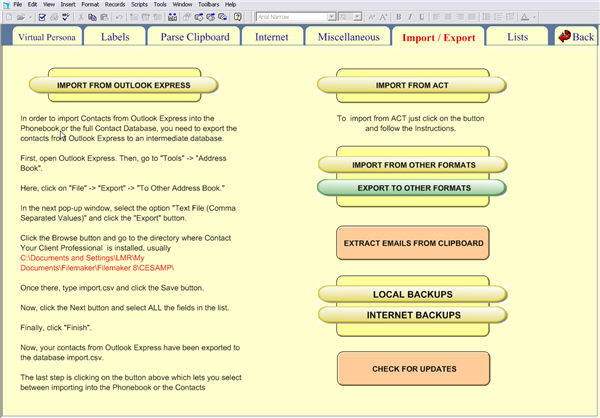
The Import/Export tab lets you import and export records to/from the program.
You can import from Outlook, ACT!, or other programs. Instructions on completing the operation are given on the tab itself.
To backup
to your hard drive click on  and then you will enter into
the backup section.
and then you will enter into
the backup section.
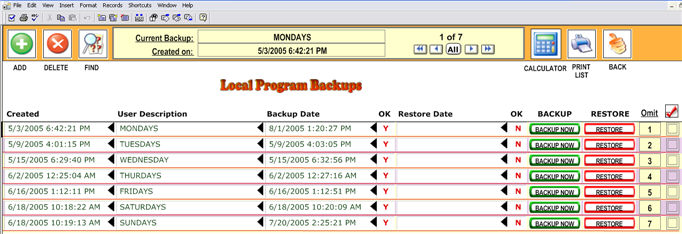
You can have unlimited backups based on your hard drive space.
You also can make backups to your Internet Domain Server. To do that click on
 .
.
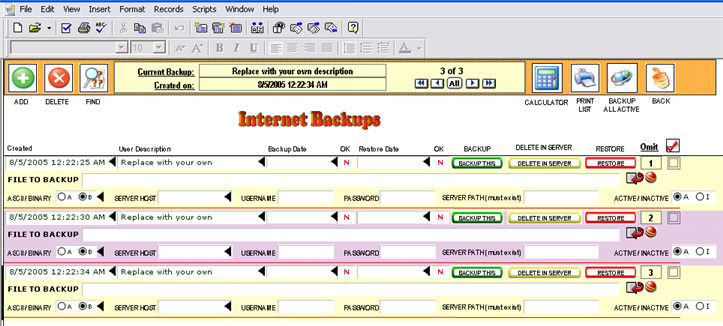
You can backup any file in your computer to your domain server. Just use the FTP coordinates in the right fields.
Also, you
can extract e-mail from any file at all including HTML files, etc. Just
copy that file to your clipboard and click  .
.
Records will be created automatically in the Phonebook OR Contacts for every e-mail imported.
Additionally, you can check if there is new upgrades for the program.