See also the Icons Section to learn about their use.
For more information
and to define User Defined fields, see the Setup Section help.
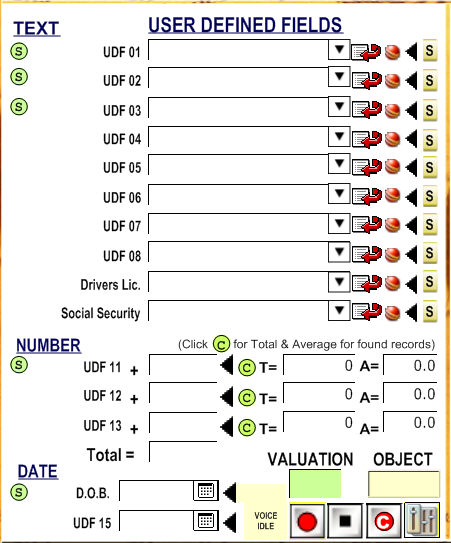
You can type in the information for your client, such as their ID and date
of affiliation. For number fields, such as "Moneys Contributed",
tallies can be made out of found records. For example, if sorting by all
those client located in "NY", the total "Moneys Contributed"
will be tallied next to "T
= " The average "Moneys Contributed" will be tallied
next to "A = ". Of course,
"Money's Contributed" could be anything you chose in the Setup
section under the "User Defined" tab.
Also, you
can add an image, video Word document, PDF file etc to the object field
to the right of the green button that says  .
.
Just right click on the field and select the right option in the next screen. If you want to paste an image, simple copy it to the clipboard and then click on the object field and press CONTROL+V inside the field in the next screen.
To open the
Customer Valuation Screen just click on the Customer Valuation Field.
Also, you
can record and playback a message by using 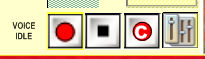 . With the right
cable, it is possible to record phone conversations and play them back
on the phone.
. With the right
cable, it is possible to record phone conversations and play them back
on the phone.
This is very useful if you want to leave messages in Voice Machines without having to repeat the same message all the time, also the sound recording system is available in the Free Forms, FAQ System and other places in the program