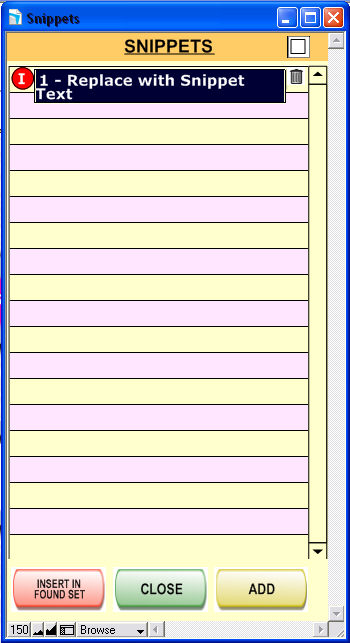
Snippets are small commentaries that can be placed into your Notes and other fields.
Commentaries can include "Affiliate has paid", "Affiliate has now reached Level 2", "Sent affiliate introductory e-mail", "Wasn't home; will try later", etc.
To view and edit your snippets, click on "Snippets" above the Notes interface.
To add a new
snippet, click the  button. Type what the snippet will say
to the Notes, and press Enter.
button. Type what the snippet will say
to the Notes, and press Enter.
Clicking the
 button next to a snippet will cause this text to appear
in your notes.
button next to a snippet will cause this text to appear
in your notes.
If you wish
for ALL contacts currently being viewed to obtain the text, click  .
.
Click  to return without inserting any snippets.