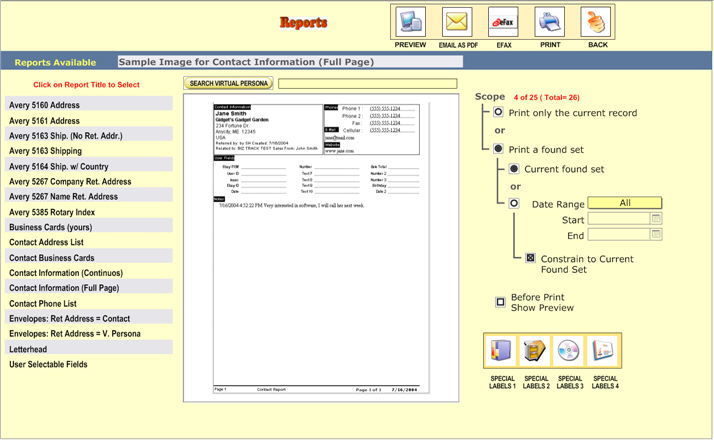
The reports screen is used to print standard reports of single client or multiple client.
First, choose a report type on the left. client will tell you a little about the type of report, and the specific paper type if applicable.
After a report
type is chosen, you can choose to print only one affiliate (click  ) or print multiple client (click
  ).
).
To print those
client currently being viewed, choose  .
.
You may also choose a date range.
If you want
to combine the date range functionality with your current found set, click
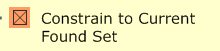 .
.
You may preview your print-outs if you wish.
You can even print Business Cards, Rolodex Cards, Envelopes and Letterheads.
Additionally, there is a Special User Selectable Fields report that lets you choose the fields and Sort order the fields will be printed or Previewed.