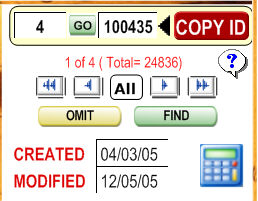
The record movement interface is shown below the calendar interface and to the right of the "Notes" interface.
To view all
records, click  . Use the
  to move about your
records, or enter a record number and click
to move about your
records, or enter a record number and click  to move to
a specific record.
to move to
a specific record.
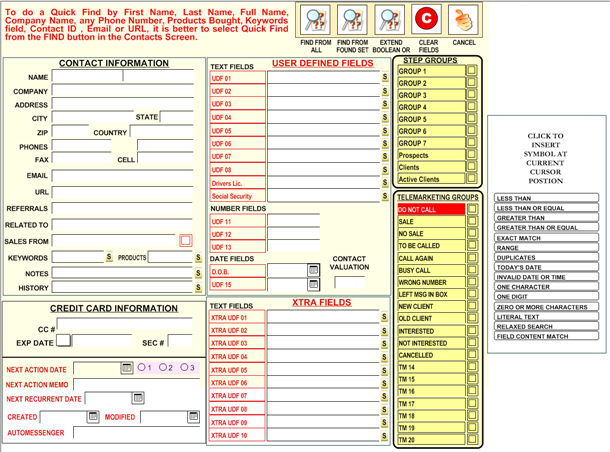
To find a
record click on the  button and type the word to find,
it will look in the main fields of all records (company, name, phones,
keywords).
button and type the word to find,
it will look in the main fields of all records (company, name, phones,
keywords).
After clicking
 you can select FULL FIND and select your filter from
a full screen.
you can select FULL FIND and select your filter from
a full screen.
In the same
area as the record navigation interface is the picture of a calculator
 .
.
This opens up the Windows calculator or alternate calculator. To set an alternate calculator, go to the Setup section from the Main Menu.
Also, click
the  button to omit temporarily the record displayed from
the records found at that moment.
button to omit temporarily the record displayed from
the records found at that moment.
It is important
to watch all the time the Record Status line 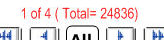 because it
indicates in which record you are positioned, how many records are selected
and the number of total records.
because it
indicates in which record you are positioned, how many records are selected
and the number of total records.
The question
mark icon  will
jump to the HOW TO section. This
section contains special tips and tricks on how to use the program so
you have them handy.
will
jump to the HOW TO section. This
section contains special tips and tricks on how to use the program so
you have them handy.