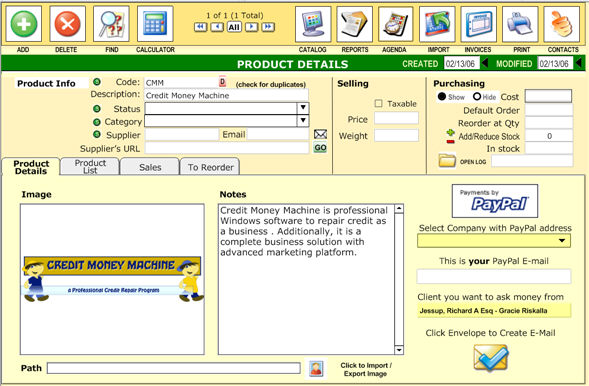
The Products menu lets you inventory your goods and services.
When you have
an item you wish to inventory, click  at the top.
Then, on the
 tab, you can enter a variety of information, and even
include a picture of the goods. Click
tab, you can enter a variety of information, and even
include a picture of the goods. Click  to insert a picture.
Under "Purchasing" off to the right, you input how many of the
particular items you have. If you restock, enter the number of goods restocked
to the right of (and then click)
to insert a picture.
Under "Purchasing" off to the right, you input how many of the
particular items you have. If you restock, enter the number of goods restocked
to the right of (and then click)  .
.
On the "Product List" tab, it shows all items you have in your inventory.
On the 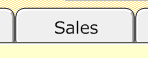 tab, you will see the sales you've had for a particular item.
Lastly, on
the 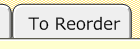 tab, you will see those items which need to be reordered
(as given by the "Reorder at" field in the Product Details tab).
tab, you will see those items which need to be reordered
(as given by the "Reorder at" field in the Product Details tab).
A PayPal-Money-Request-Feature allows you to ask money to your client through the popular PayPal system with one click.