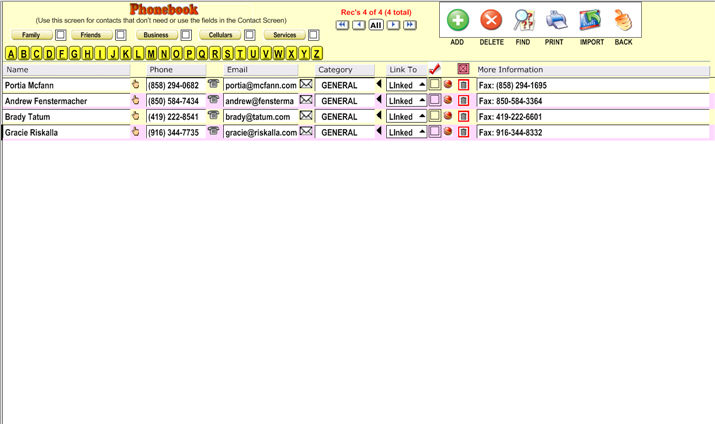
The phone book is used for contacts who don't need or use the fields in the Contact screen.
To add a contact,
click on the first letter of their name (or last name), and click the
 button at the top right. To delete the contact, click
 .
.
To perform
a find, click  and begin typing.
You can export
a contact from the phonebook to the Contact database by clicking  or dial a number by clicking
  or send an e-mail
by clicking
or send an e-mail
by clicking 