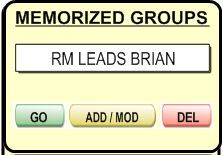
Memorized groups let you choose specific record filters and let you create more than one set of filters.
.
Here are what the buttons do upon clicking them:
 - Filters out all the affiliates who don't
belong to the selected group.
- Filters out all the affiliates who don't
belong to the selected group. -
Creates a new group or modifies existing group (by adding those affiliates
who are new to the group).
-
Creates a new group or modifies existing group (by adding those affiliates
who are new to the group). - Deletes the selected group.
For example,
create a new group by clicking .
You must provide a filter name, such as "Customers Whose Names Are John".
Then, click
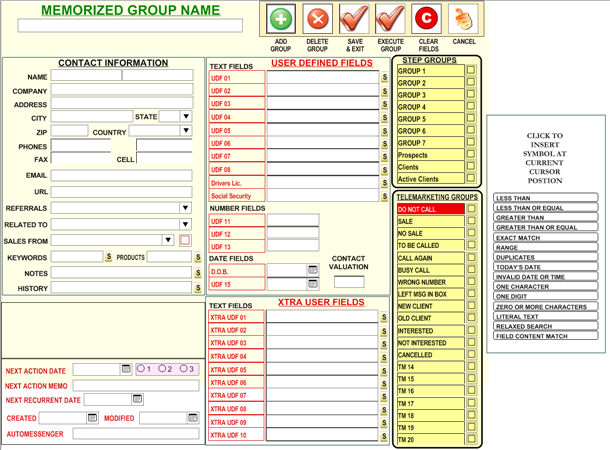
on  to create a Group, then, type-in the group criteria using
the following screen and click on
to create a Group, then, type-in the group criteria using
the following screen and click on  to save your Group
To Execute the Group click on the
to save your Group
To Execute the Group click on the  or in the
  in
the Groups Tab.
in
the Groups Tab.