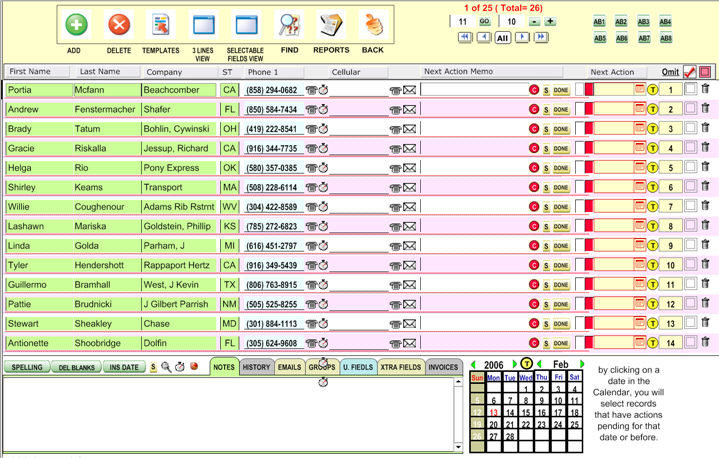
The  button
(available from the right-side bar) is a way to manage your next "to-do
actions" and also to see any set of records in a list form.
button
(available from the right-side bar) is a way to manage your next "to-do
actions" and also to see any set of records in a list form.
This is another way to interface with the calendar (for more information, see the Calendar section).
To view the
actions pending, choose  and then a date. To set an action,
click
and then a date. To set an action,
click  and choose a date.
You can then type something into the "MEMO" field if you want.
At the button of the screen you have a set of tabs that interacts with the records in the list, either displaying more information about the records like related emails and invoices or used to further filter and sort the database, like the Groups Tab.
When you click
on the  button in every line, you omit that record from the
list momentarily but it is NOT deleted.
button in every line, you omit that record from the
list momentarily but it is NOT deleted.
Also you have
a User-Selectable-Fields list by clicking on the  button.
Just select the fields you want to display and they will show automatically in your list.
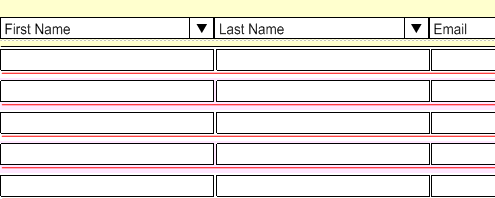
To print lists go to reports where you have 3 different reports for User-Selectable-Fields