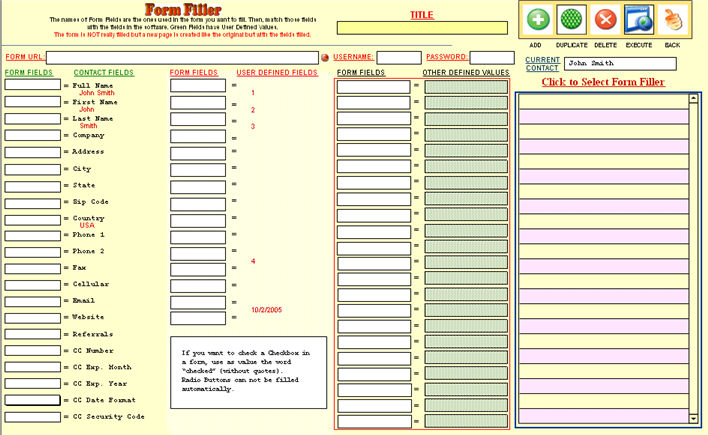
In this section you can emulate forms on the Internet and fill them with data in your contacts database.
To start click on the  button in the Contact Screen
right-side bar.
button in the Contact Screen
right-side bar.
Then, you can click  to create a new Form Filler and enter
the URL in the field
to create a new Form Filler and enter
the URL in the field

and a title in the field  for identification.
Then you need to enter the name of the forms fields in the left columns matching them with the field in the database in the right columns.
To Run / Execute the Form click on the  button.