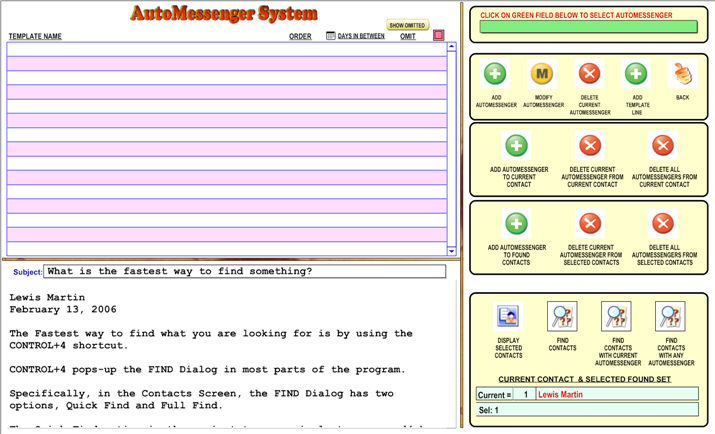
The Auto Messenger System let you assign one or more Templates to one or more contacts with be sent by email at a predetermine date.
First, you click on  to crete a new AutoMessenger Group,
Then, you click on the  button to pop up a window where
you can select the template to be used first.
button to pop up a window where
you can select the template to be used first.
Then, you probably will want to set the
number days when this Template will be sent from Current Date (since it
is the first Template) 
Subsequent lines (Templates) will schedule from previous line. In other
word what you enter in 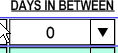 is the number of days in between
a template and its next one, of course, the first one is calculated against
the current date.
is the number of days in between
a template and its next one, of course, the first one is calculated against
the current date.
Finally, you
will click either  OR
OR
 to assign this AutoMessenger Group to Current Contact
or to the Selected Group of Contacts.
to assign this AutoMessenger Group to Current Contact
or to the Selected Group of Contacts.
The Current
Contact is displayed at the bottom while you need to click on the  button to see the list of selected Contacts.
You can also
click  to show the list of Contacts that had current AutoMessenger
assigned to them or click
to show the list of Contacts that had current AutoMessenger
assigned to them or click  to find all Contacts that had
any AutoMessenger assigned.
to find all Contacts that had
any AutoMessenger assigned.